Posts

Showing posts with the label corel draw X7 tutorial

How to make a business card and print
Image
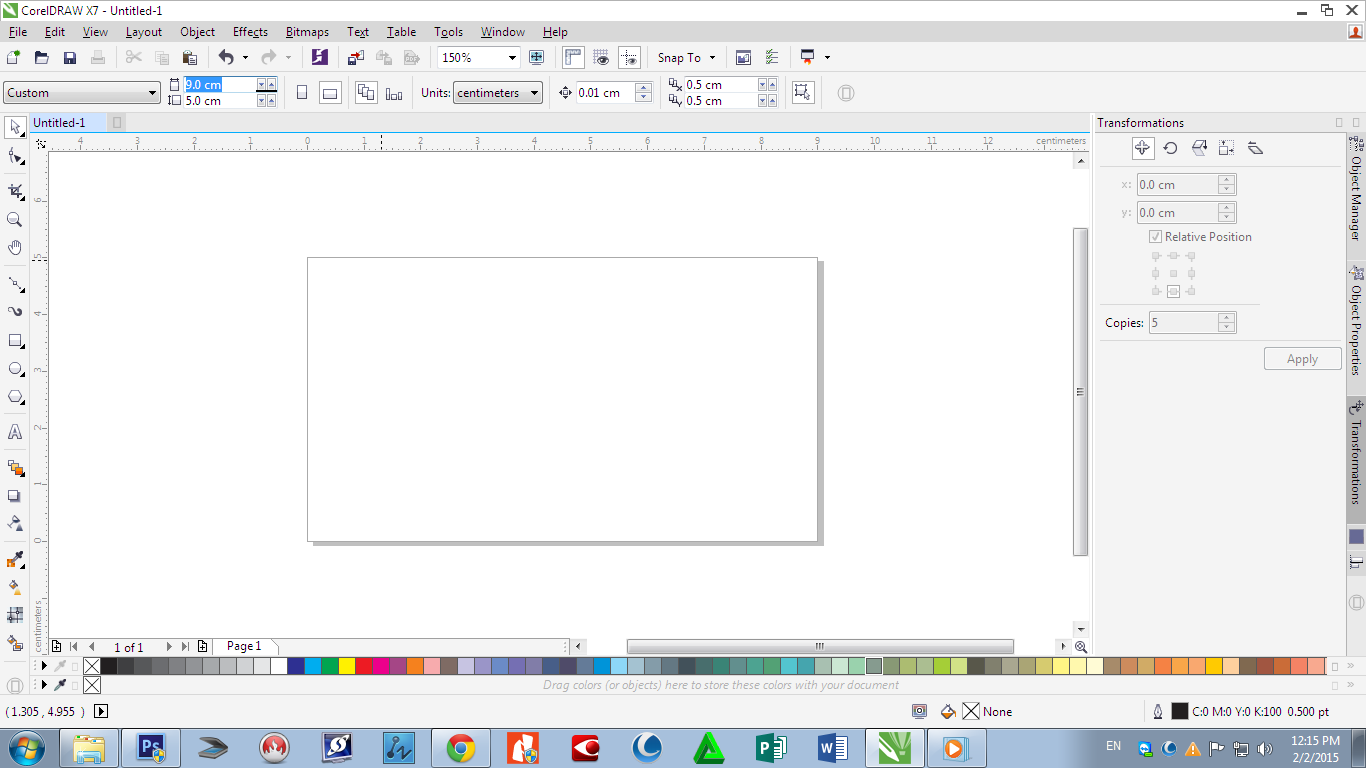
Business card and printing i will show you how to make a business card and how to print it. i am using corel draw x7 first open new page. page size 9 X 5 cm (Normal size of business card is 9 X 4 ) Then draw a squire around the page, just double click on rectangle tool. then draw another one too. then fill the color. then type the details  then arrange it and make it group select all and press ctr + g then make the background A4 size then make full page you can use transformation tool  then make it all group and print  check my video  thank for watching share what you know....too....

How to print a circle frame from corel draw

Image
i will show you how to make and print a circle frame from corel draw circle size is 40 X 50 cm first open corel draw and new page in A2 size then draw a circle and make size 40 X 50 if you want to make the middle of the page just select the circle and press "p". then open the image then select the image and in option select power clip inside and press inside the circle if you want to edit there is icon in below of picture. then print before print rotate the page and photo to 90 then print.. we are using Hp design jet 510 select the printer - go to properties in cusome- select A2 print quality - normal optimze for - images to go finishing - orientation - landscape then apply , ok then print if you want to small margin there is option for select small margin. check my video ... thank for watching...... enjoy.....and share what you know too.......