How to export contacts from Gmail
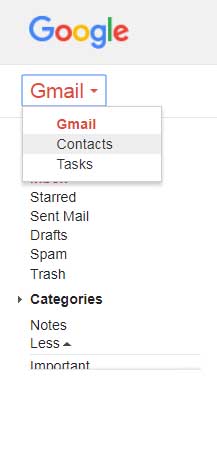
How to export contacts from Gmail 1 - Open Gmail and sign in. 2 - From left side of the window select Contacts. 3- In contacts go to More and click on export. Just click to Go to old version. 4- Go to More and click on Export . 5- select which contacts you want to download and which format. (if you want import to mobile device vCard file needed) then click on Export . Your contracts will be downloaded in few seconds and you can copy it to SD card and also can restore to your sim card. Thanks Team Let us share....